Adding Twitch to Your Server
Enter the Command
Use the following syntax to add a Twitch feed to a channel
,twitch add <channel> <user>
Replace <channel> with the name of the channel where you want the tweets to appear.
Replace <user> with the twitch handle of the user whose streans you want to recieve.Example Command
For example, to add twitch streams from the user “kaicenat” to the
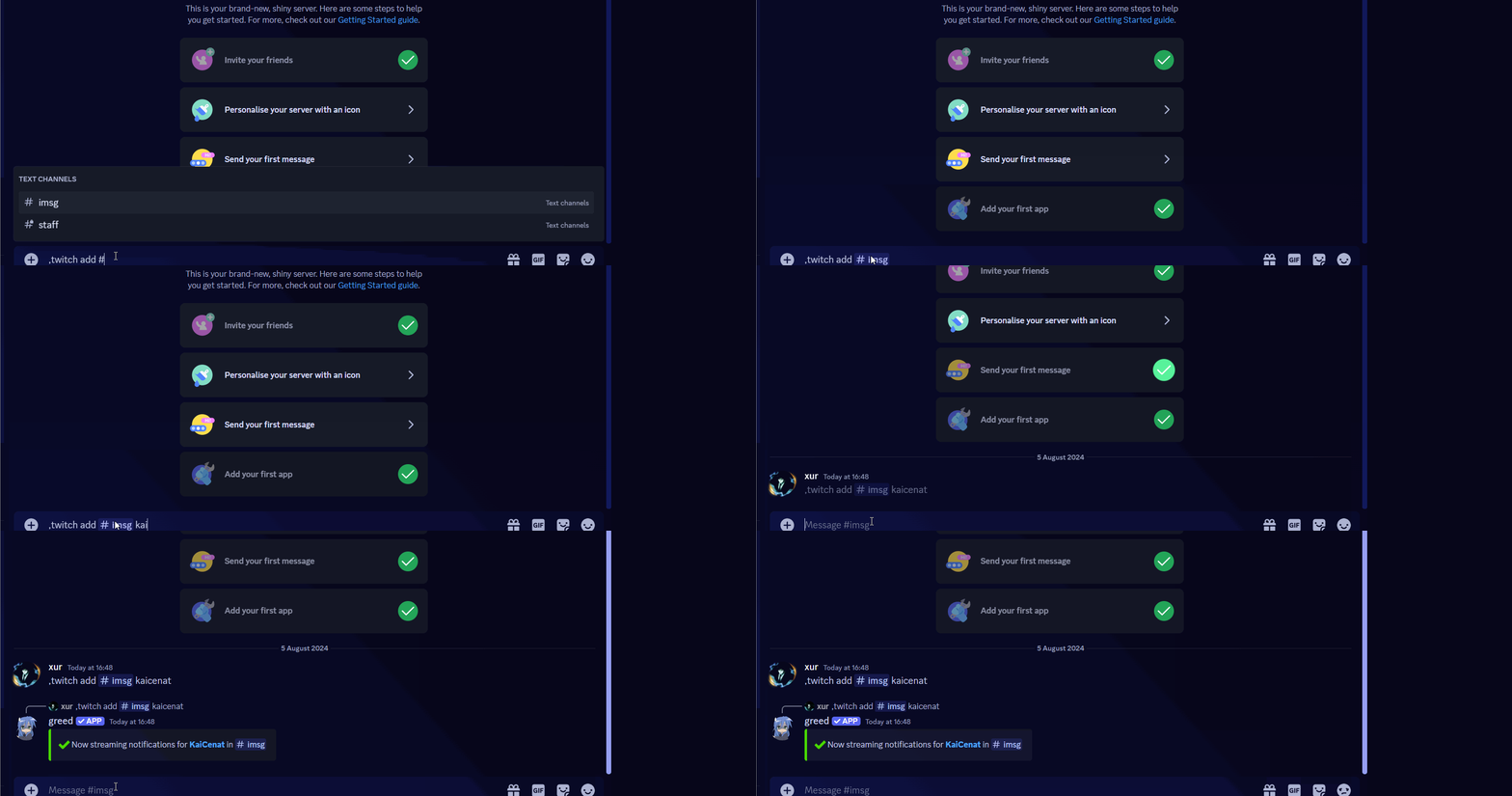
#streams channel, you would enter ,twitter add #streams kaicenat